Off-road inclinometer for iPhone and iPad

See your vehicle tilt in 3D.

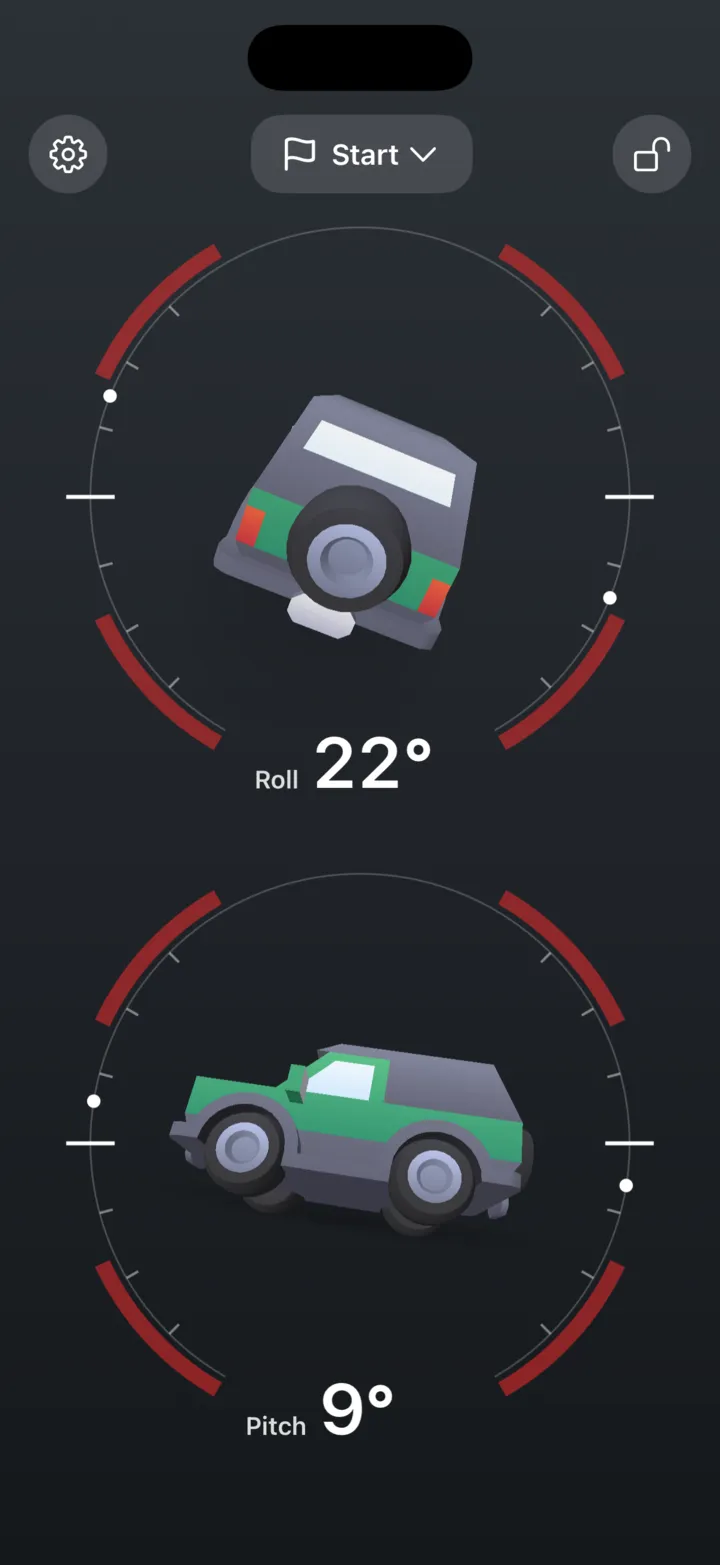
Roll and pitch on a 3D vehicle that leans with the real angles. You can tell at a glance how far you are from the limit, on a side slope or a steep climb.

Download on the App Store On the App Store since 2013. One-time purchase, no account, no ads, no data collected.
3pLevel Pro on iPad: the 3D vehicle from behind at 12 degrees of roll and from the side at minus 6 degrees of pitch
3pLevel on iPhone in light mode: the same 12 degrees of roll and minus 6 of pitch on an olive 3D vehicle
Numbers only: two dials reading 12 degrees of roll and minus 6 degrees of pitch

Just the numbers.

Turn the pictures off and 3pLevel shows two big dials, roll and pitch, easy to read from the driver’s seat.

  • Large numbers that lean with the angle
  • Your limits and the max angle marked on each dial
  • Turn it on in Settings, any time
Alert: a red silhouette at 27 degrees of roll, past the limit

It warns you, so you can watch the trail.

Set your own limits for roll and pitch. Past them, 3pLevel flashes red and sounds an alarm.

  • Separate limits for roll and pitch
  • A gap alert for sudden changes
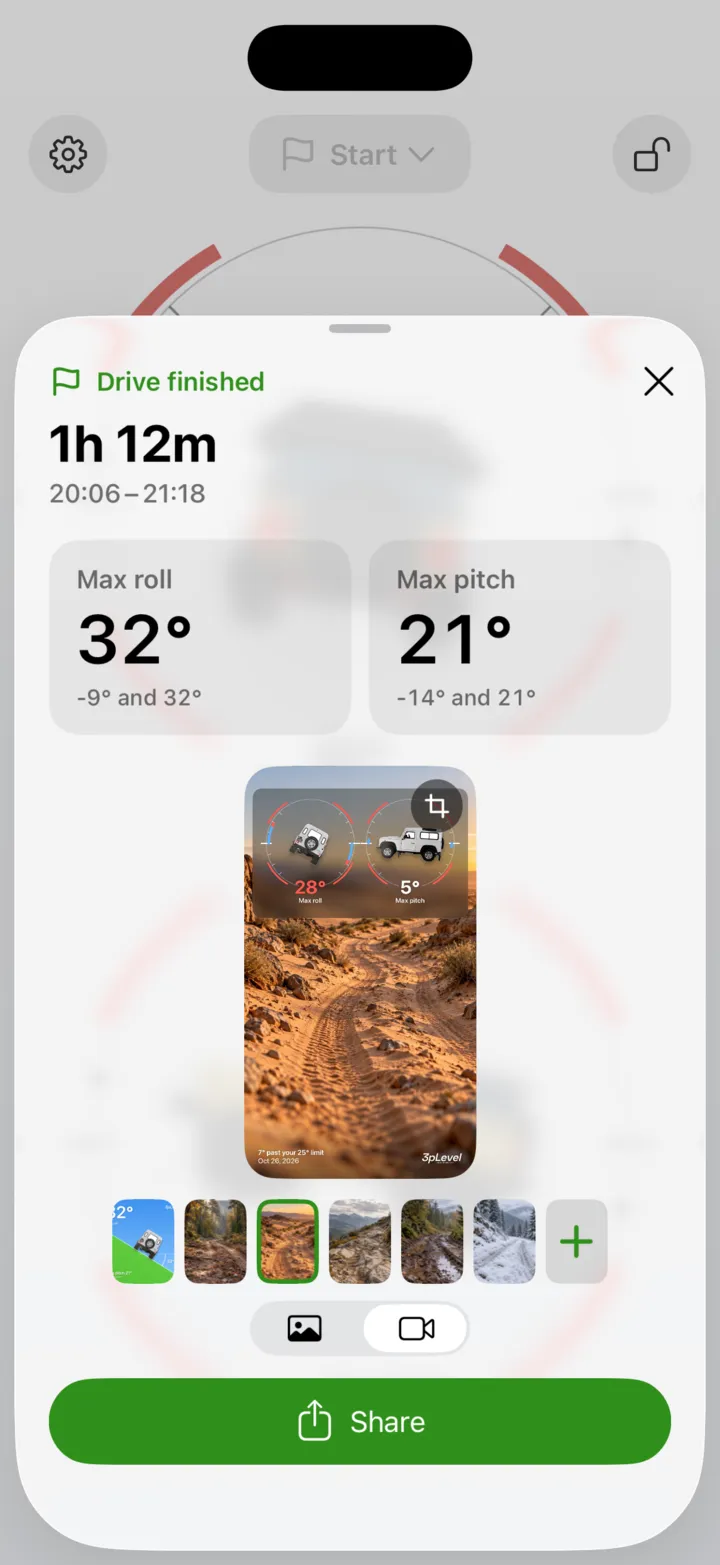
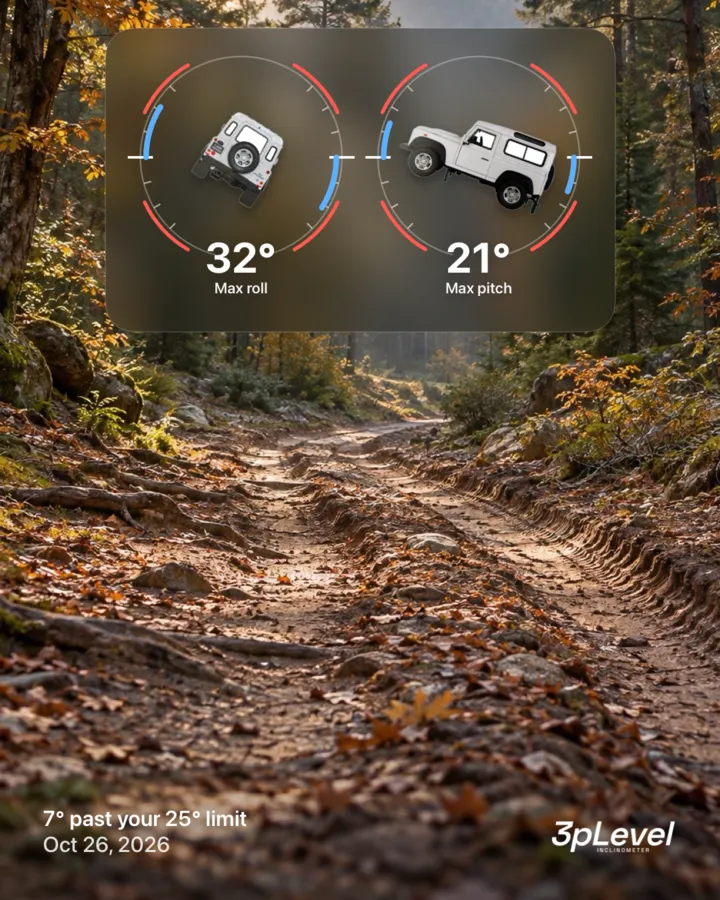
  • The steepest roll and pitch you reached
Photos of a real off-roader from behind and from the side, background removed

Your vehicle, not a stock picture.

Use a photo from behind for roll and one from the side for pitch. The background is removed for you, on your device: the photos never leave it.

  • Any photo from your library
  • Or our illustration of an off-roader
  • Or a silhouette that turns red past your limit
3pLevel Pro showing an imported 3D SUV from behind and from the side

Bring your own vehicle Pro

Scan your vehicle with your iPhone, or download a ready-made model, and import it. 3pLevel Pro tilts it with the real angles.

  • A 3D scan from a free app like Polycam or Scaniverse
  • Or a model from the web, USDZ or OBJ with textures
  • Rotate or flip it to line it up

Portrait or landscape. Any screen.

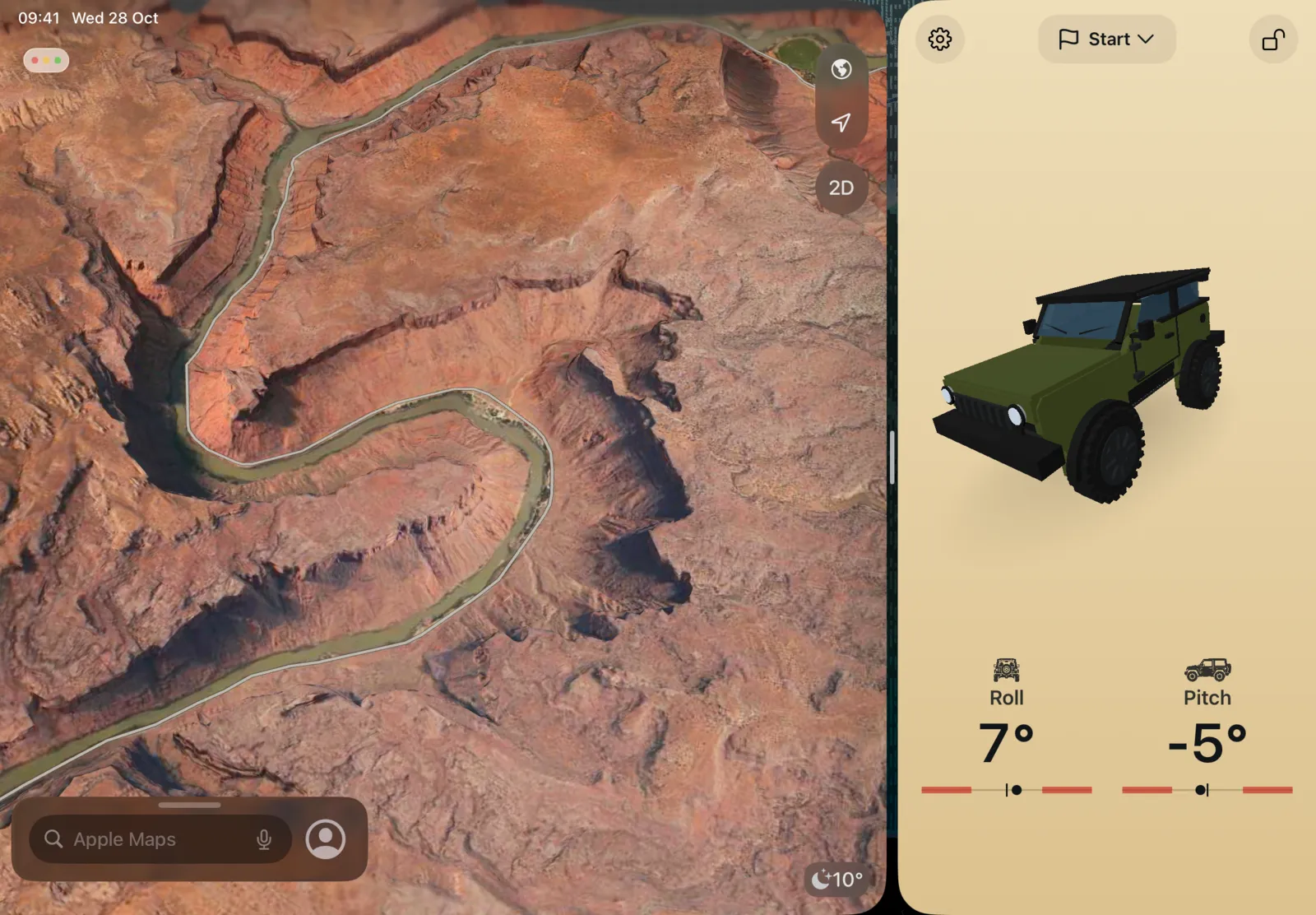
On iPad, 3pLevel Pro runs in any window size, next to your maps or any other app.

iPad split view: Apple Maps satellite view of an off-road trail, with 3pLevel Pro in a window beside it showing roll and pitch
3pLevel in landscape, dark mode: an olive off-roader illustration from behind at 15 degrees of roll and from the side at minus 4 degrees of pitch

Try it here.

The same Off-roader as in the app, leaning with roll and pitch. Look from behind for roll or from the side for pitch, as in the app. Drag to walk around it, and paint it any colour you like.

Also in every version.

  • Degrees or %

    Read the angles in degrees, or as a % grade like on road signs.

  • Light, dark or automatic

    Large readouts that stay easy to read in the sun and at night.

  • Pick a background colour

    Several colours for behind the gauges, to match your dash or your vehicle.

  • Six languages

    English, Italian, German, Spanish, French and Dutch.

Ready in ten seconds.

  1. Mount your phone

    In a holder on the dash or the windscreen, portrait or landscape. Tap the lock to keep the orientation.

  2. Set the level

    On flat ground, with the phone in its holder, set the level. 3pLevel remembers it, and asks again if the phone has moved.

  3. Drive

    Watch roll and pitch live. If you pass a limit, 3pLevel tells you.

Two versions. Same instrument.

One-time purchases: no subscription, no ads, no account.
Pro also imports your own 3D vehicle and runs on iPad.

3pLevel app icon

3pLevel

For iPhone

  • 3D vehicle, pictures and your own photos
  • Alerts, max angle, degrees or %
  • iPhone
Download 3pLevel on the App Store

iOS 17.6 or later

3pLevel Pro app icon

3pLevel Pro

For iPhone and iPad

  • Everything in 3pLevel
  • Import your own vehicle in 3D
  • iPhone and iPad, one purchase; on iPad in any window size
Download 3pLevel Pro on the App Store

iOS 17.6 or later

Already have 3pLevel? Get Pro at a reduced price with the 3pLevel + Pro bundle on the App Store.

Questions and answers.

What is 3pLevel?

3pLevel is an inclinometer for iPhone and iPad, made for off-road driving, 4x4s, SUVs and campers. It shows your vehicle’s roll (side to side) and pitch (front to back) on a 3D model that leans with the real angles, on a picture (our illustration, a silhouette or your own photo) or on two large dials, and it warns you when you pass your limits. Made by Stooj and on the App Store since 2013.

How accurate is it?

3pLevel reads the motion sensor data of your iPhone or iPad 10 times a second and shows whole degrees, so it is as accurate as the device’s own sensors. For true readings, set the reference level first, with the phone in a steady holder and the vehicle on level ground.

What’s the difference between 3pLevel and 3pLevel Pro?

3pLevel Pro is the same app with two additions: you can import a 3D vehicle (your own, scanned with your iPhone, or any USDZ or OBJ model), and it runs on iPad as well as iPhone. If you already own 3pLevel, the App Store bundle gets you Pro at a reduced price.

Does it work on iPad?

Yes, with 3pLevel Pro. It runs in any window size, so you can keep it next to your maps or any other app. 3pLevel is the iPhone app.

Do I need a phone holder?

Yes. Readings are only right if the phone stays still relative to the vehicle, so fix it in a steady holder on the dash or the windscreen, in portrait or landscape, and set the level once. 3pLevel remembers it and asks again if it sees that the phone has moved.

Does it need an internet connection?

No. 3pLevel works fully offline, with no account and no tracking. Even the background removal for your own photos runs on the device.

Does the screen stay on? Does it run in the background?

The screen stays on while 3pLevel is open. It does not run in the background, so keep it on screen while you drive. The screen is the main drain on the battery: on long drives, keep the phone on a charger.

How do the alerts work?

You set separate limits for roll and pitch. Past a limit, 3pLevel flashes red and sounds an alarm. The gap alert warns you when roll or pitch changes suddenly, by more than the number of degrees you choose. You can turn the sound off in Settings, under Sounds; the red flash stays.

Can I customise 3pLevel?

Yes. Paint the 3D vehicle any colour, or switch to pictures: our illustration, a silhouette, or photos of your own vehicle with the background removed on the device. You can also pick the background colour, degrees or % grade, and a light, dark or automatic look. 3pLevel Pro also lets you import a 3D vehicle, including your own.

Can I use it to level a caravan or a trailer?

For a quick check, yes: 3pLevel shows the roll and pitch of whatever it rests on, once you have set the level on a surface you know is level. It is made for driving, though.

Does it work with Apple Watch or CarPlay?

No. 3pLevel runs on iPhone, and 3pLevel Pro on iPhone and iPad.

Which languages and devices?

3pLevel is in English, Italian, German, Spanish, French and Dutch. It needs iOS 17.6 or later; 3pLevel Pro also runs on iPad with iPadOS 17.6 or later.


Need more than an inclinometer?

3pLevel is made by Stooj, the team behind 3pMaster and 3pRally.

3pRally app icon

3pRally

The rally computer. TSD and regularity, roadbook navigation and open-road timing.

Free to try, for iPhone and iPad

3pMaster Pro app icon

3pMaster

The off-road tripmaster. Precise distance and roadbook support, with an inclinometer built in.

For iPhone, and Pro for iPhone and iPad

Questions or ideas? Get in touch.